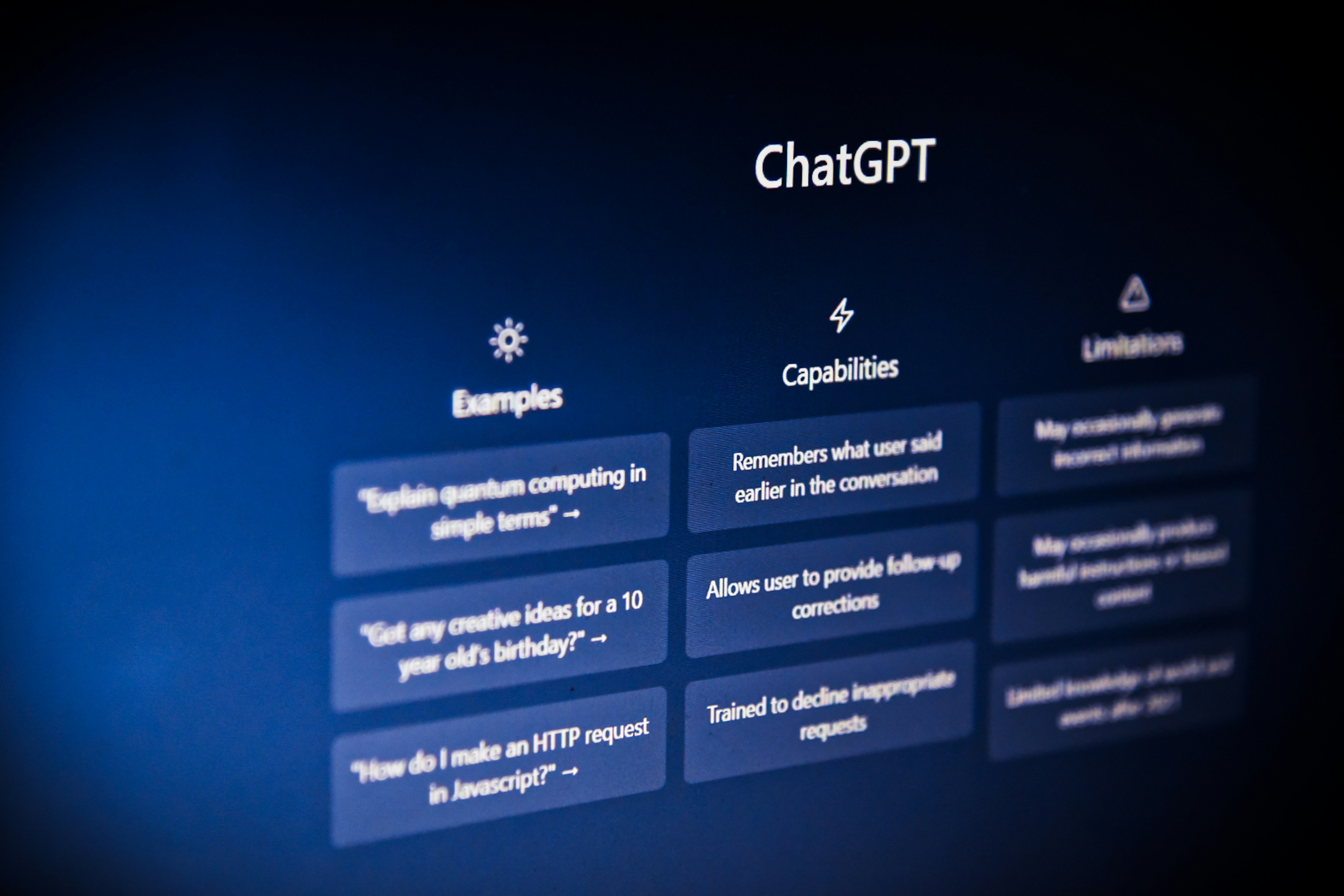
The internet is talking a lot about AI, meaning artificial intelligence. The technology has grown from basic chatbots with give or take answers to full on automated clients that can run your company for you. In this article we dive into how to build using AI website builders and 5 tips and tricks I recommend trying out.
1. Make an account, most of the time it's free.
It's better to make an account before you begin to it can save the work you make just in case you love it, I've fallen for the trap of jumping right in to find my work lost from the lack of ways to save it form the begin. Most AI tools come with very modern way to login to save your work to get you from getting started to started building a website in minutes.
Between creating an account with an email versus logging in in a more streamlined way, I'd try the "login with" menu to quickly jump in before you forget any pieces to the work you will conduct with the tool.
2. Know what you want before spending credits.
In my deep dive with AI, I found that people tend to take it lightly that you are spending credits within their system. Most tools only give us enough credits to build something just to be pushed to tomorrow or next month from lack of credits. When using AI website builder like lovable, v0 or wordpress AI website builder it's good to brain storm first what feature you want to have it build it in less prompts so that you don't go over your account usage.
3. Spend time to under stand the credit system.
Like previously stated, it's good to know the credit system, it will help you iterate on your past project easy and it will help you stay under the counted for monthly credit system that most AI tool are packaged with. Also, one credit system in one tool might differ greatly when you go to another tool or application. So with this one it's up to you but ties in with tip number 2. Do your research before jumping without counting your credits and doing the math if you plan on getting serious with an application.
4. Staying basic versus going advanced.
Learning to integrate apps together can help use greatly when it comes to making our website a more powerful and useful asset. For example when we look at a platform like wordpress; it comes with a ease of use version the dot come and a more advance version, that give you full customization of your asset. When it comes to going advanced its like taking the same path, paying for AI might be a good step in going the advance route versus sticking to free or hobby plans.
5. Don't get overwhelmed, try one out.
Like anything try to get into building with AI, it's a little different then other platforms and it will teach you a few things about coding "if you ask it to" which is a interesting take. It can be your full AI employee one day if you start now.
So whether you’re just testing the waters or you’re ready to make AI your “full-time website employee,” the key is to start small, stay curious, and keep experimenting with different builders and features until you find what really works for you and your goals.
If you’re not sure which AI website builder to try first, how to manage credits, or when it makes sense to move from basic to advanced setups, feel free to reach out. I’m happy to help you choose tools, map out your first build, or review what you’ve already created so you can get the most out of AI without wasting time or budget.